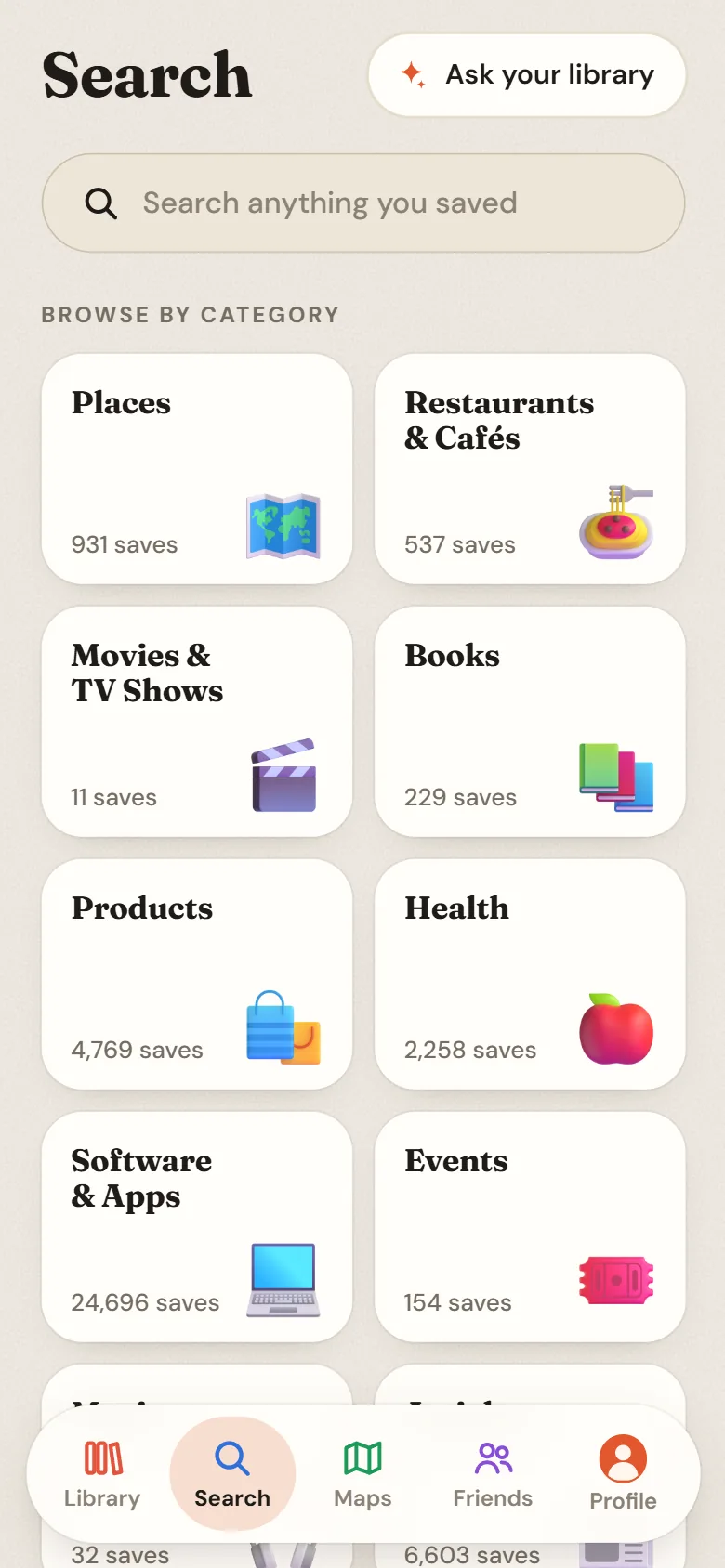
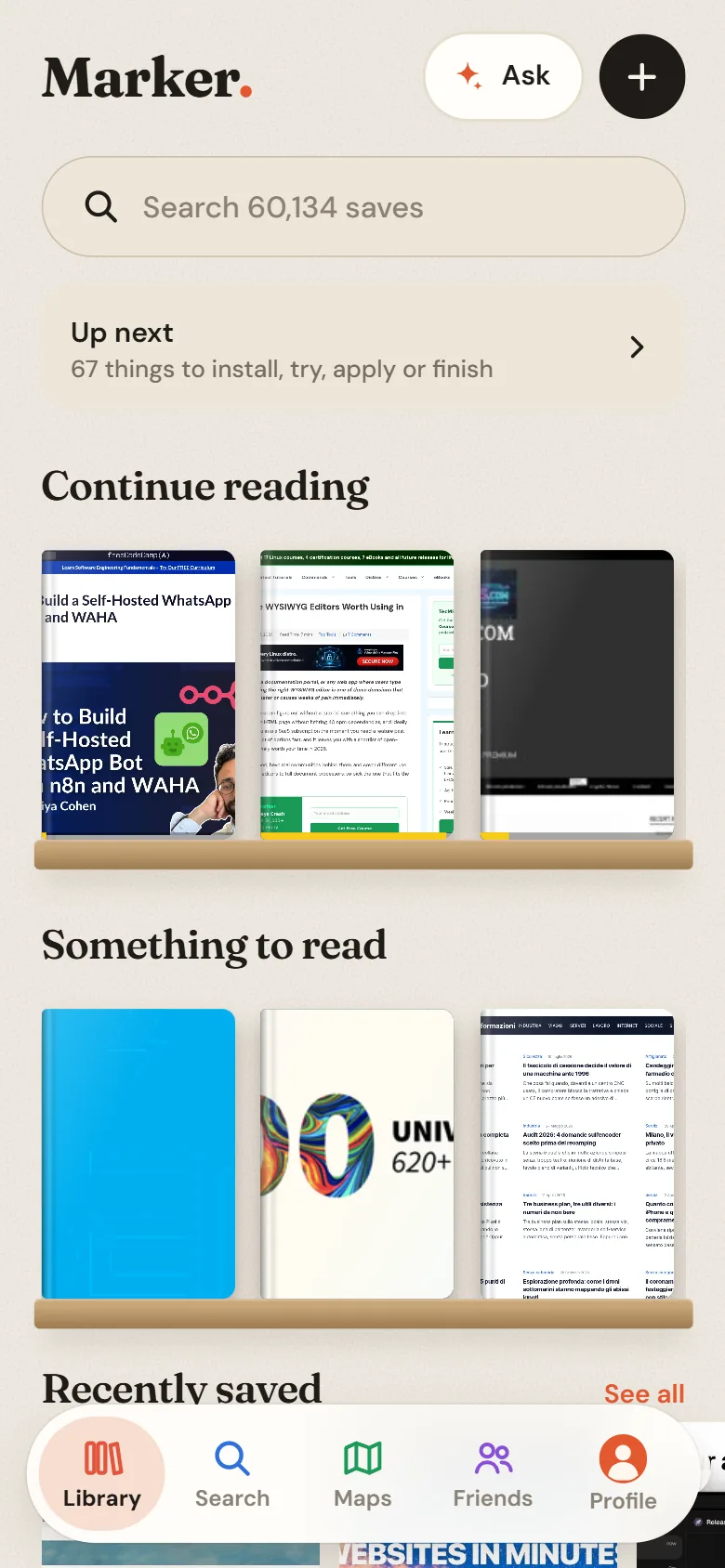
One library, many reasons to save. A few of the ways Marker fits into a day.
The people here are examples, not customers.
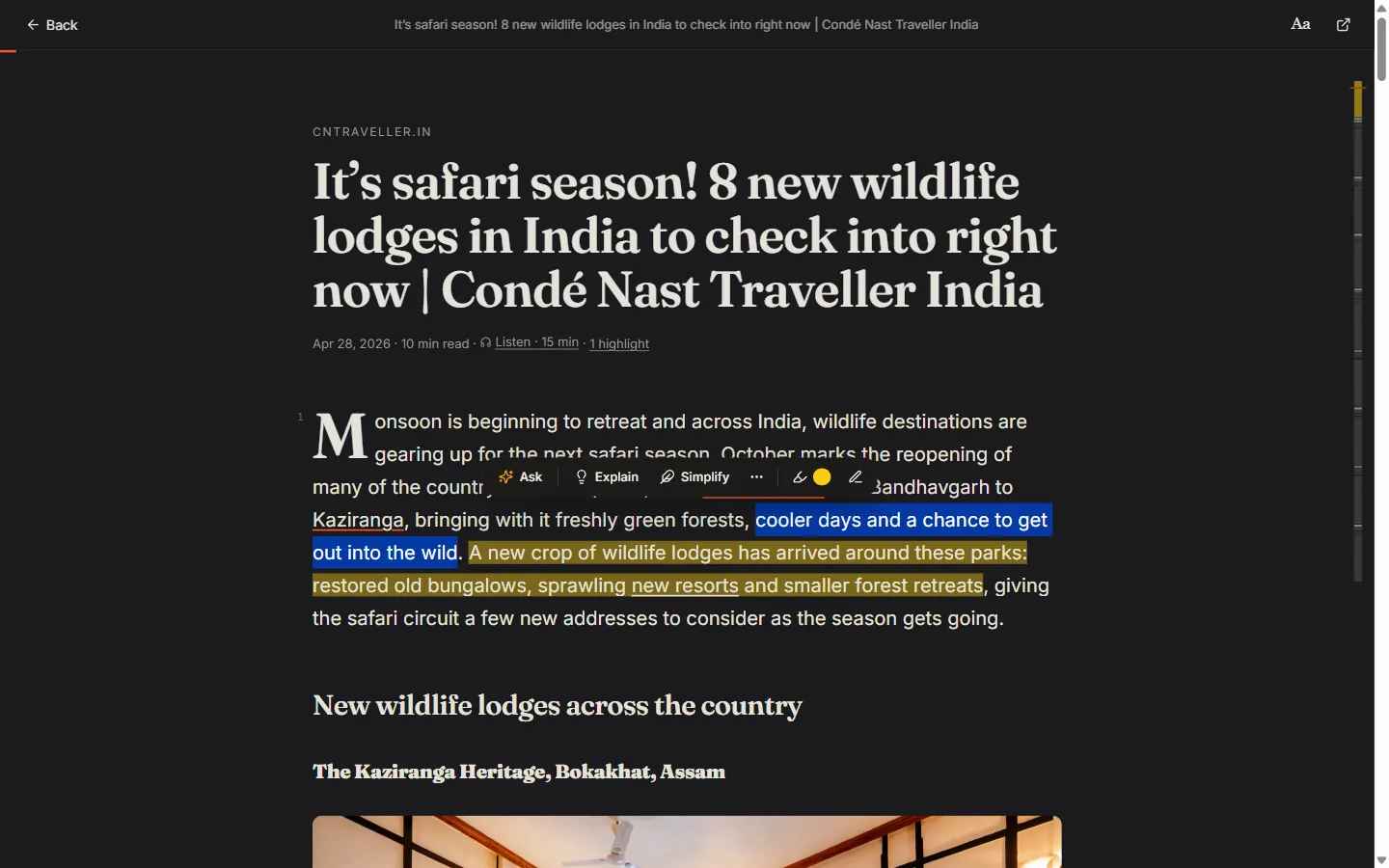
Research and learning. For someone who saves articles, threads and papers faster than they read them.
- Threads and articles are kept in full, even if the post goes away.
- Read in Gloss, highlight, and ask about the passage you don't follow.
- Ask your library to sum up everything you've kept on a topic, with sources.
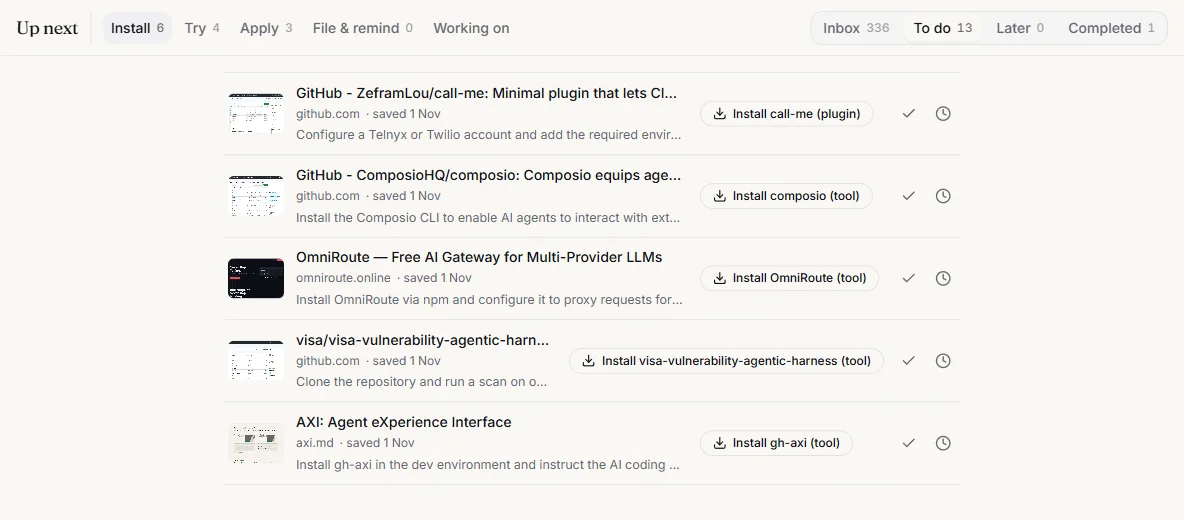
Founders tracking ideas. Competitors, tools to try, posts about the market and the idea you had at midnight, in one place.
- A Space per idea or venture; new saves about it file themselves.
- Smart Actions put Install or Try on the tool you saved.
- Entities show which companies and people keep coming up.
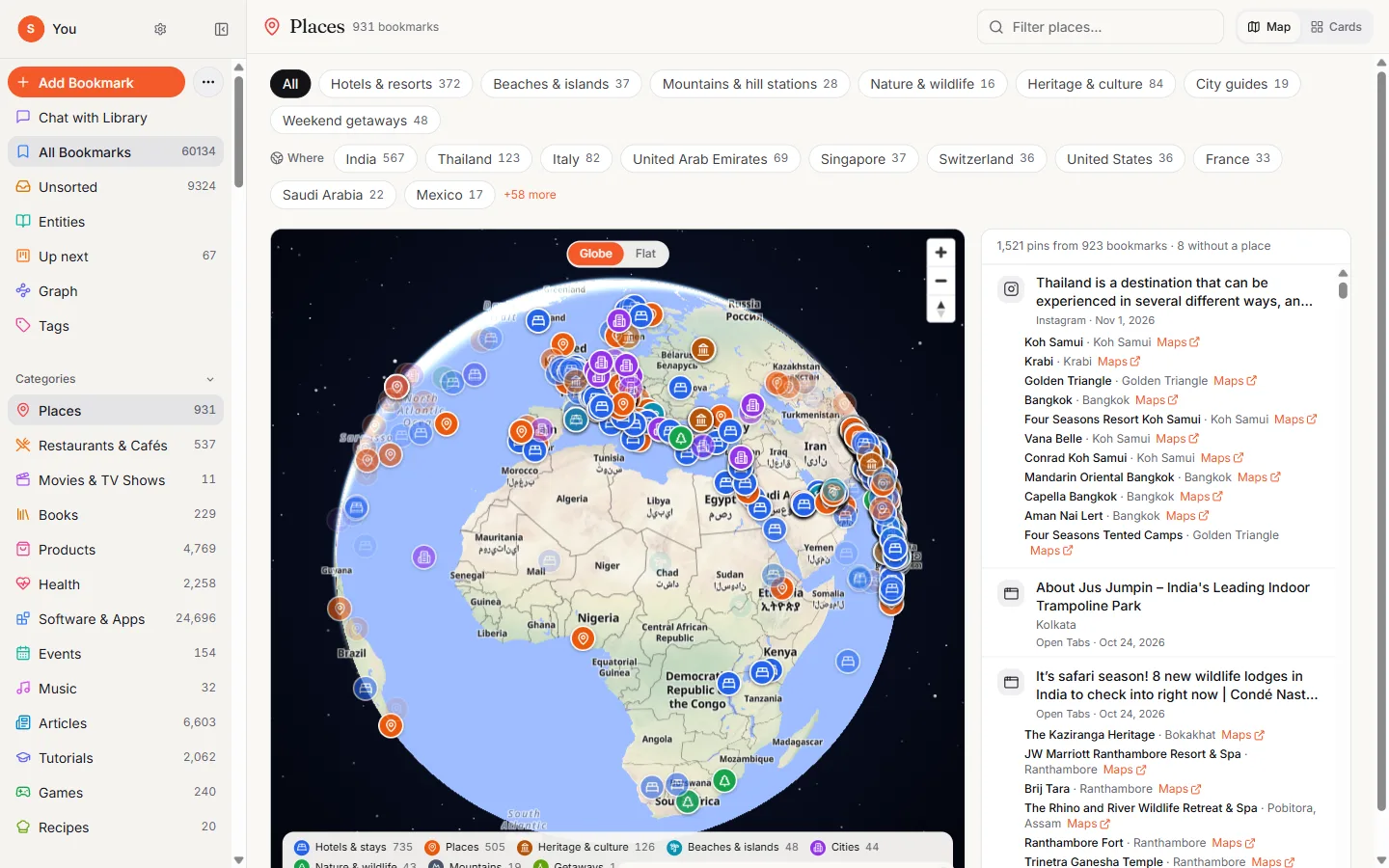
Travel and places. Restaurants from reels, hotels from articles, pins from Google Maps, on one map.
- Places from posts and Maps lists land on one map, grouped by city.
- Make a Space for the trip and share it as a read-only link.
- Ask “where did I want to eat in Lisbon?”
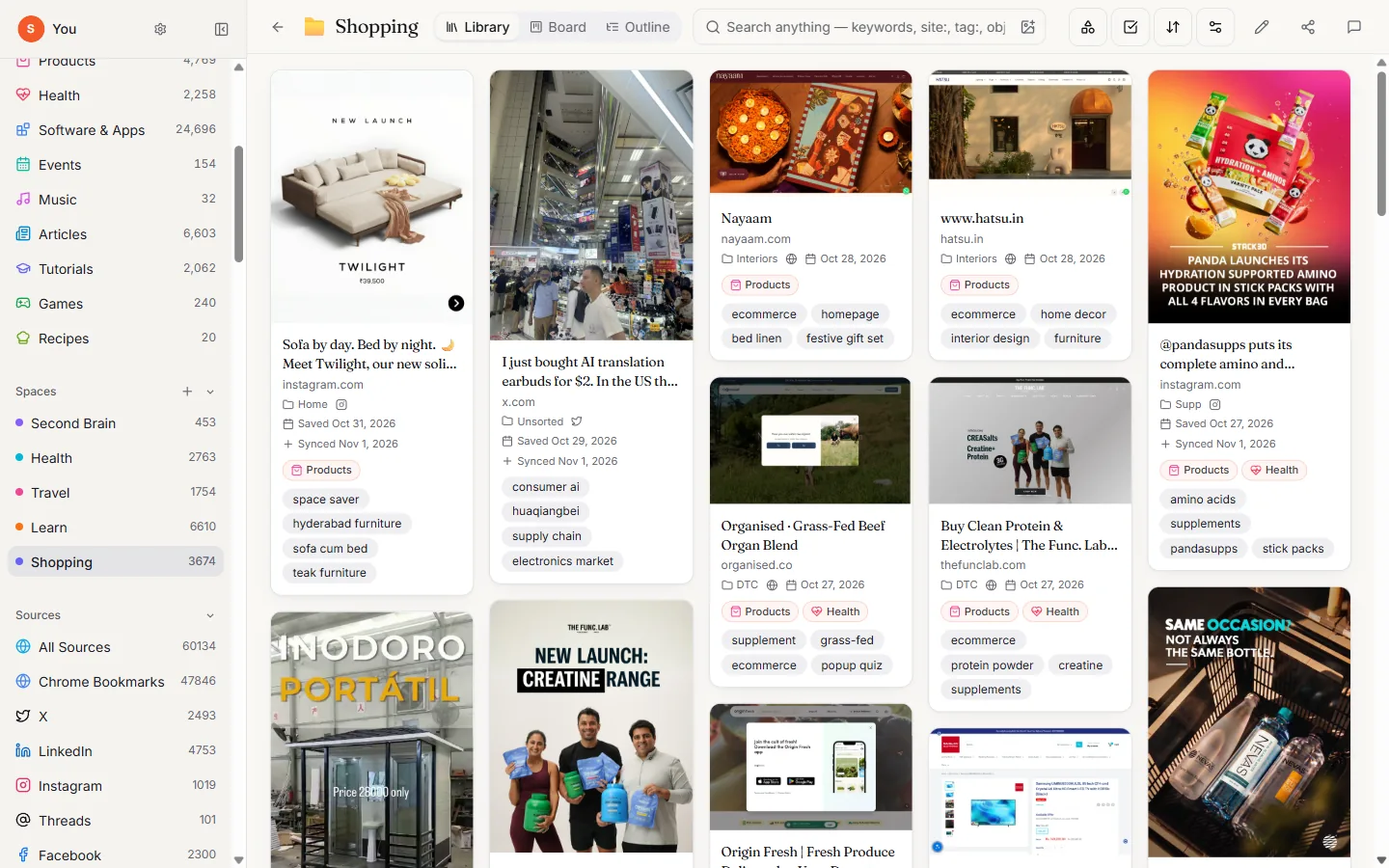
Shopping. The sofa from that post, the shoes from that shop, found when you're ready to buy.
- Products get their own category with pictures in front.
- Search by colour to find the lamp you saw in that shade of green.
- Remind me brings a save back on the day you choose.
Health and fitness. Recipes, routines and reading from a dozen apps, kept together.
- Recipes and health saves are sorted into their own categories automatically.
- Ask for “high-protein breakfasts I saved” and get the actual posts.
- Keep a note of what worked, linked to the saves it came from.
Marker organises what you save. It doesn't give medical advice.