Everything Marker does, one part at a time. Saving, sorting, finding, reading and acting on it.
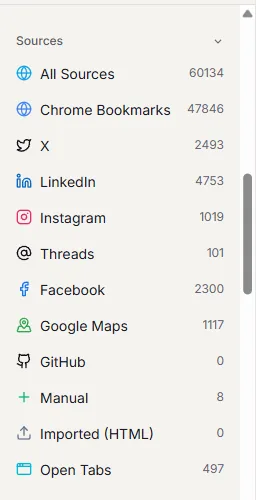
Save from anywhere. Keep saving where you already do, and Marker picks it up.
Every save is kept in full: the page text, images, video, the author's whole thread, a screenshot and an archived copy. If the original is deleted or goes private, yours stays.
- Chrome extension
- Bookmarks and folders sync both ways. Ctrl+B saves the page you're on, with a suggested folder.
- X, Instagram, LinkedIn, Facebook
- Your saved posts come in through your own signed-in session. With Auto Sync on, a post is caught a few seconds after you press Save.
- Google Maps lists
- Each list arrives as a folder, with every place pinned on the map.
- GitHub and the clipboard
- Saved repositories show their star counts. Copy a link in any app and press Ctrl+Shift+9.
- Phone
- Install Marker from your phone's browser and share to it from any app.
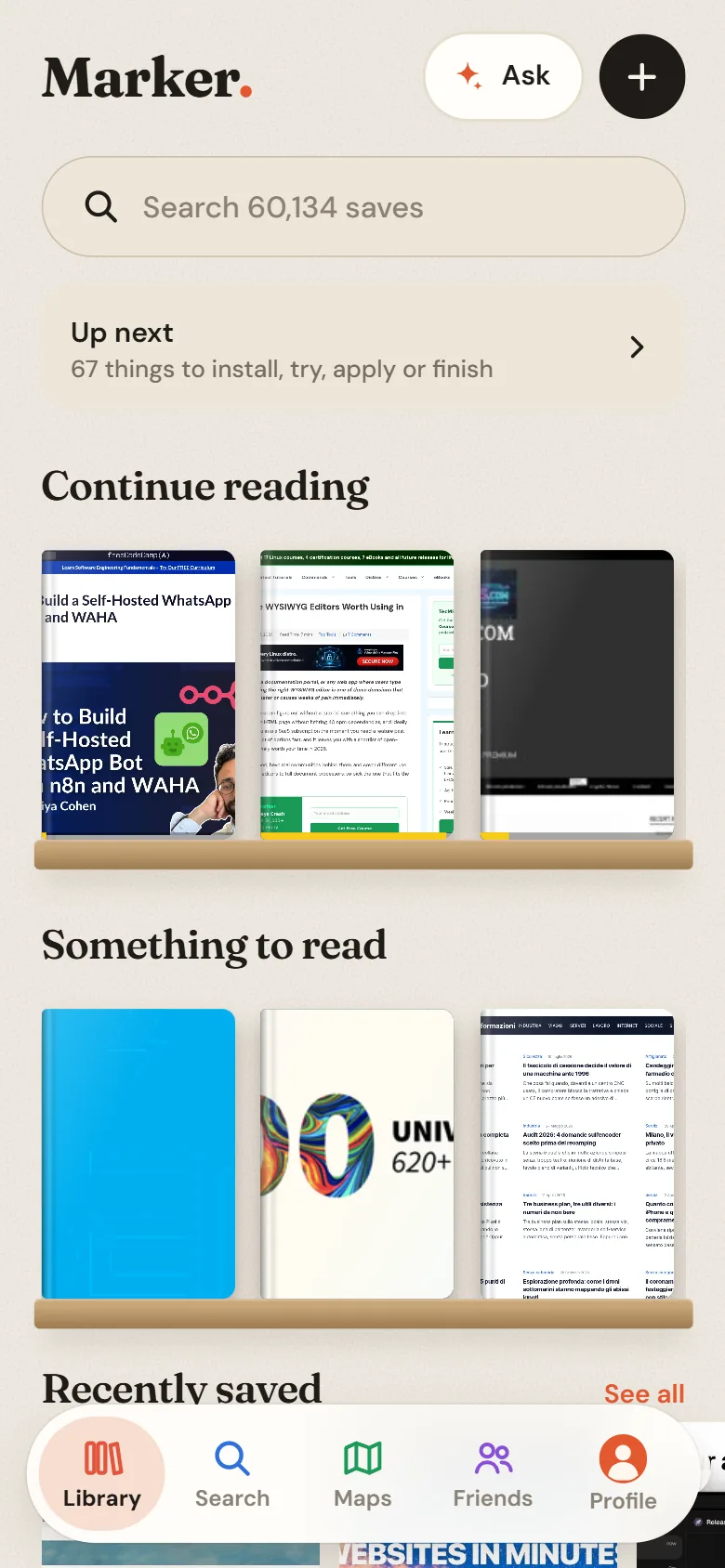
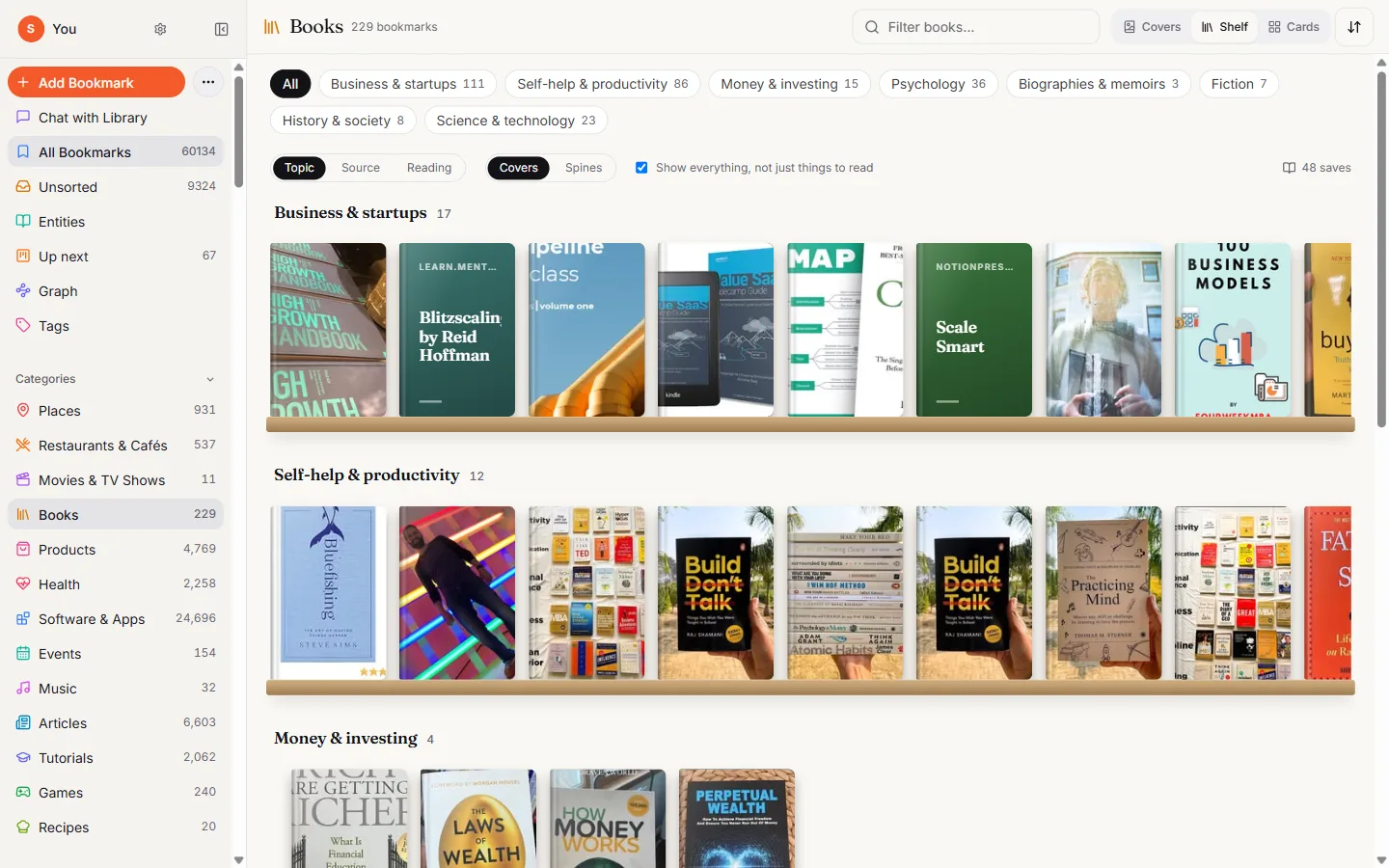
Described for you. Each save gets a summary, tags and one of 13 categories, each with a view that suits it.
Marker reads the page and the text inside its images. Books sit on shelves, places on a map, recipes in a gallery. Fix a tag or a category in one click.
- Summary and tags
- Written when you save. New saves show “Tagging…” for a moment.
- 13 categories
- Places, Restaurants & Cafés, Books, Products, Recipes, Software & Apps, Articles and more, with subcategories and country and city filters.
- The details inside
- The exact books, films and venues named in a post, and every slide of a carousel.
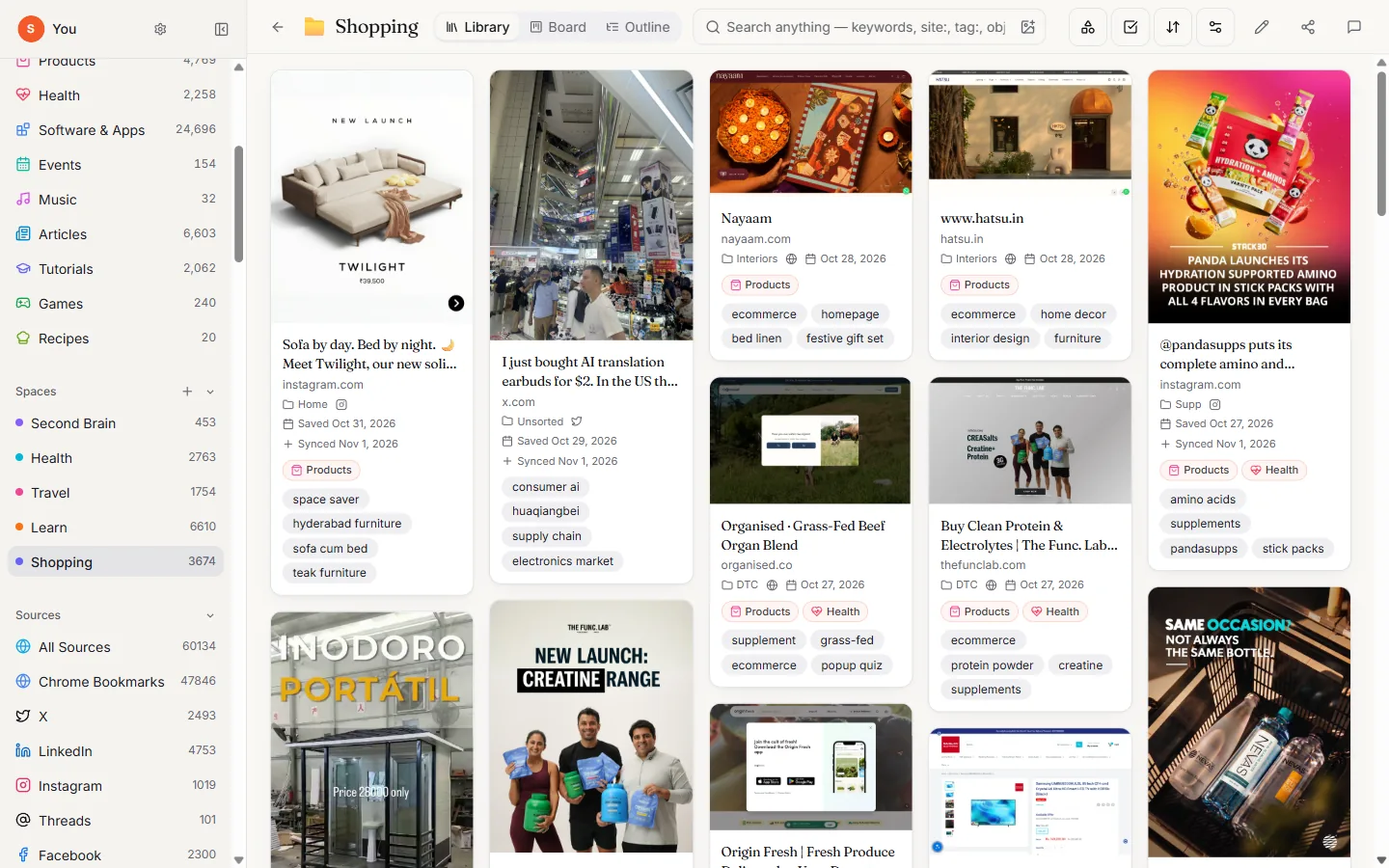
Spaces that file themselves. When Marker is sure, the save goes straight in. When it's unsure, a second opinion checks first.
If both checks agree, the save is filed. If they don't, it waits in your Inbox with a suggestion, so you only decide the close calls.
- Start from a brief
- Describe what a Space is for. Marker picks the saves that fit, says why, and notes what you haven't saved yet.
- Three views
- Library for browsing, Board for what you're doing with it, Outline for arranging it under headings.
- What's new
- Each Space opens with what arrived since you last looked.
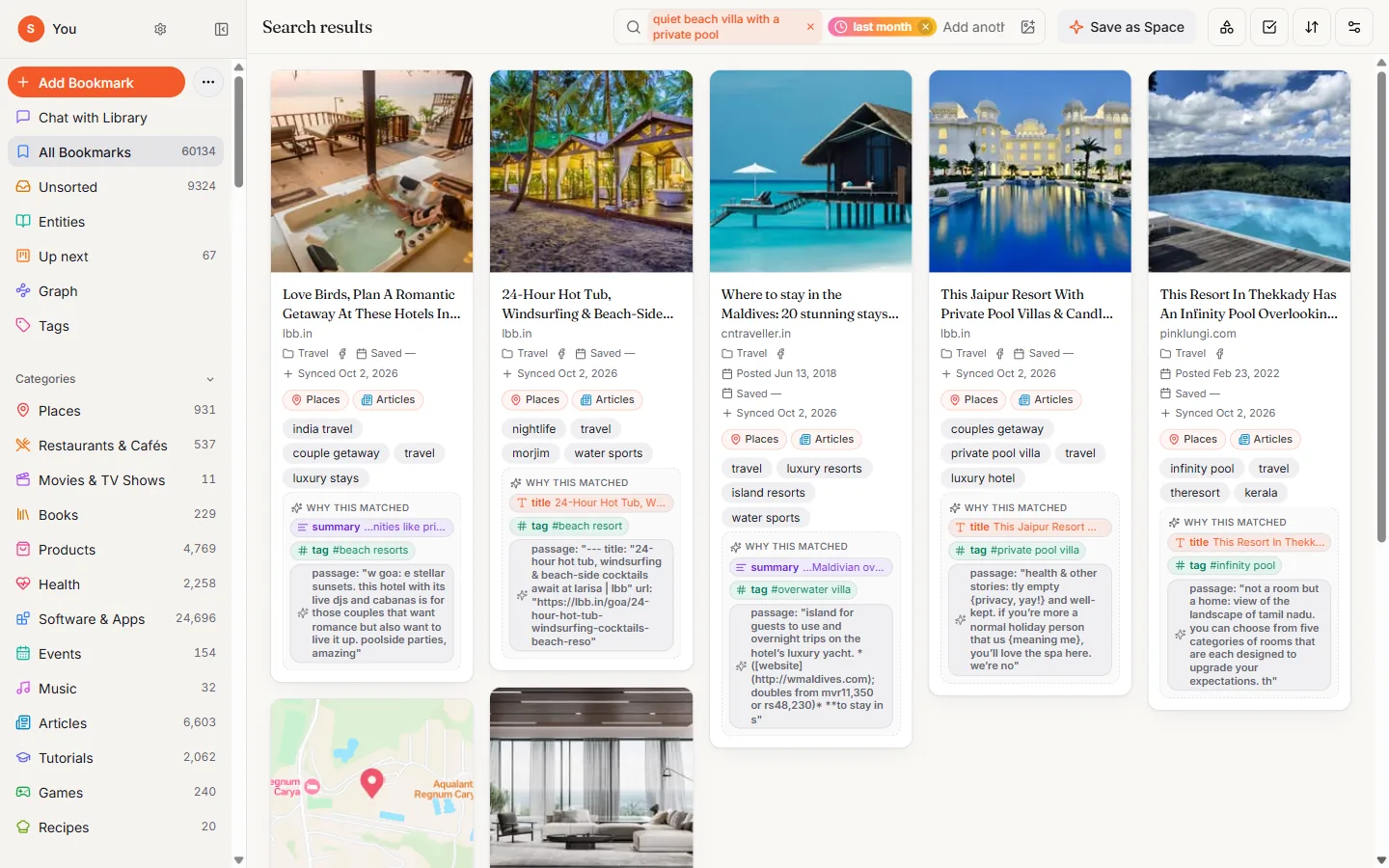
Search by meaning. Type what you remember. Add when you saved it, or the colour you remember.
Search reads the whole save, not only the title. Each result says why it matched.
- By meaning
- “Quiet beach villa with a private pool” finds the post even if it says none of those words.
- Time travel
- Add “last week”, “yesterday” or “February 2021”.
- By colour
- Every save has its colour swatches. Click one to see everything in that colour.
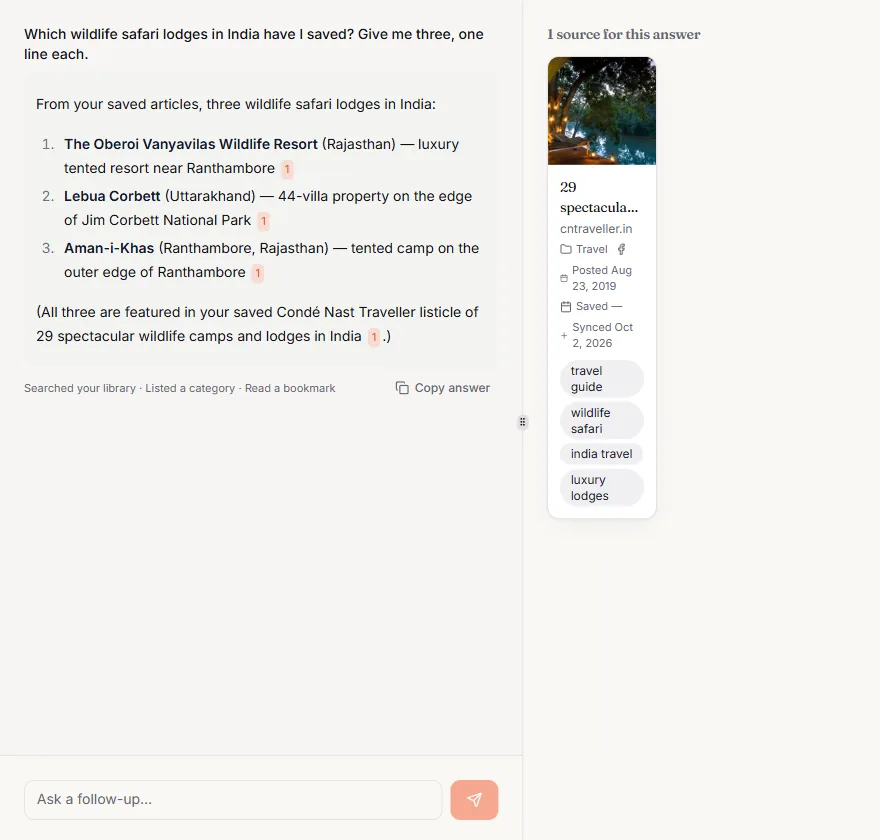
Chat with your library. Ask a question and get an answer from your own saves, with the saves listed beside it.
Ask for a list, a count or a summary. Ask inside one Space to keep it focused. Copy an answer with its links.
- Answers with sources
- Every answer shows the saves it used, sorted the way you like.
- Lists and counts
- “How many cafés in Bangkok did I save?” gets a number and the list.
- Adds places
- “Add these five restaurants” looks them up on Google Maps and saves them.
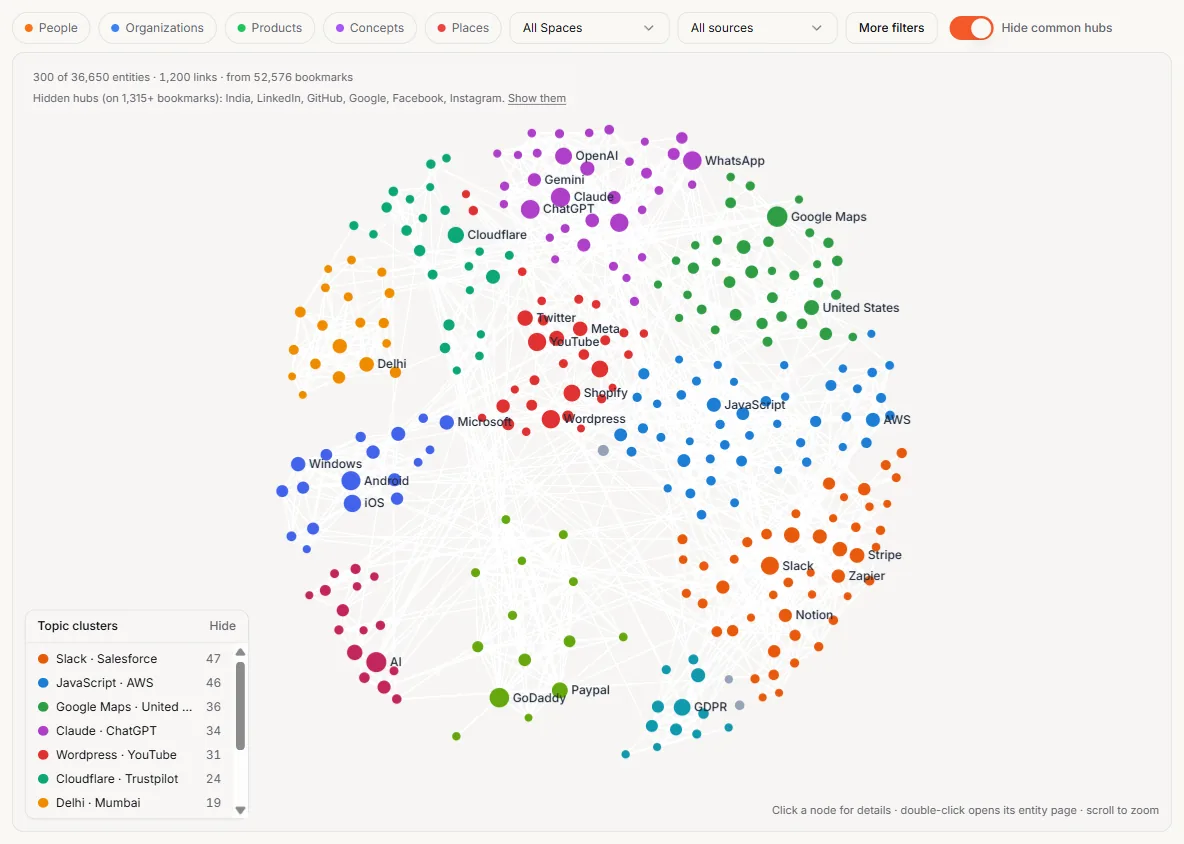
Entities and graph. The people, companies, places and products your saves mention, each with a page.
Open an entity to see every save that mentions it. The graph shows how they cluster, so threads running through months of saving become visible.
- Entity pages
- A visual grid of every save about one thing.
- Graph
- Clusters, filters and search across the whole library.
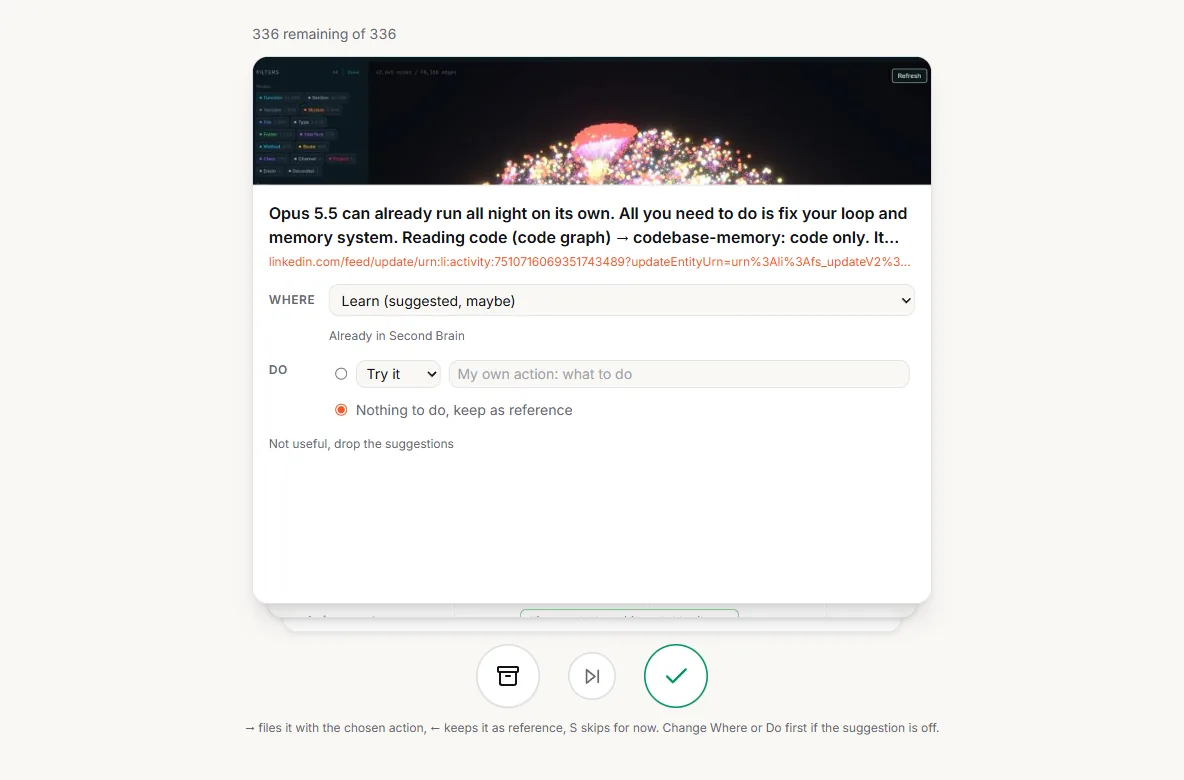
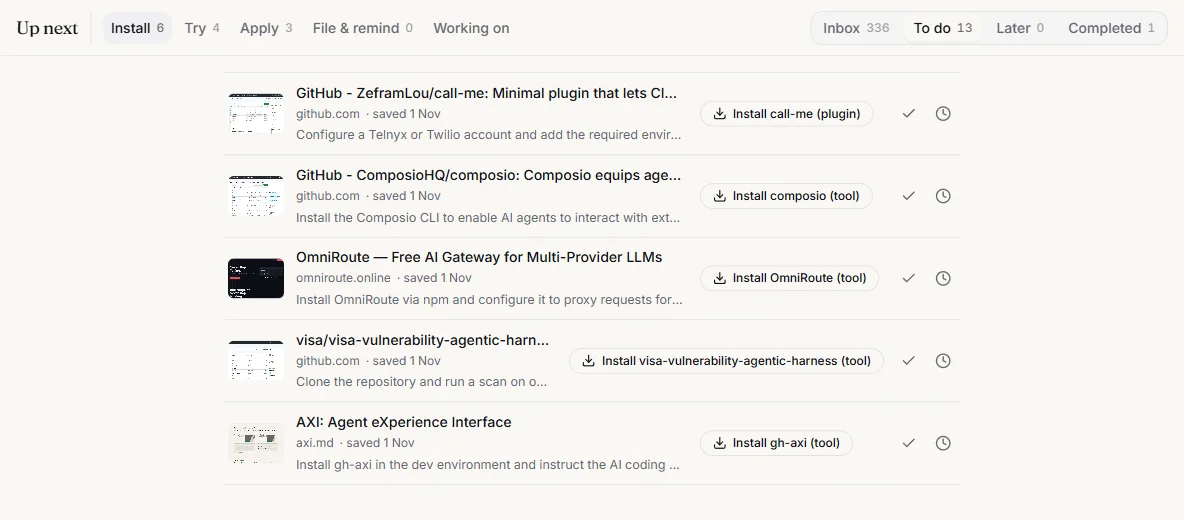
Up next and rediscovery. New saves become a short daily pass. Old ones come back when they're useful.
The Inbox shows one new save at a time with where it should go and what to do with it. Decide, undo if you change your mind, move on.
- Inbox, To do, Later
- Decide new saves, work through actions, park the rest.
- Remind me
- Snooze any save to the day you choose.
- On this day and Forgotten gems
- Saves from this date in past years, and good ones you never opened again.
- Related to now
- Older saves that match what you're working on.
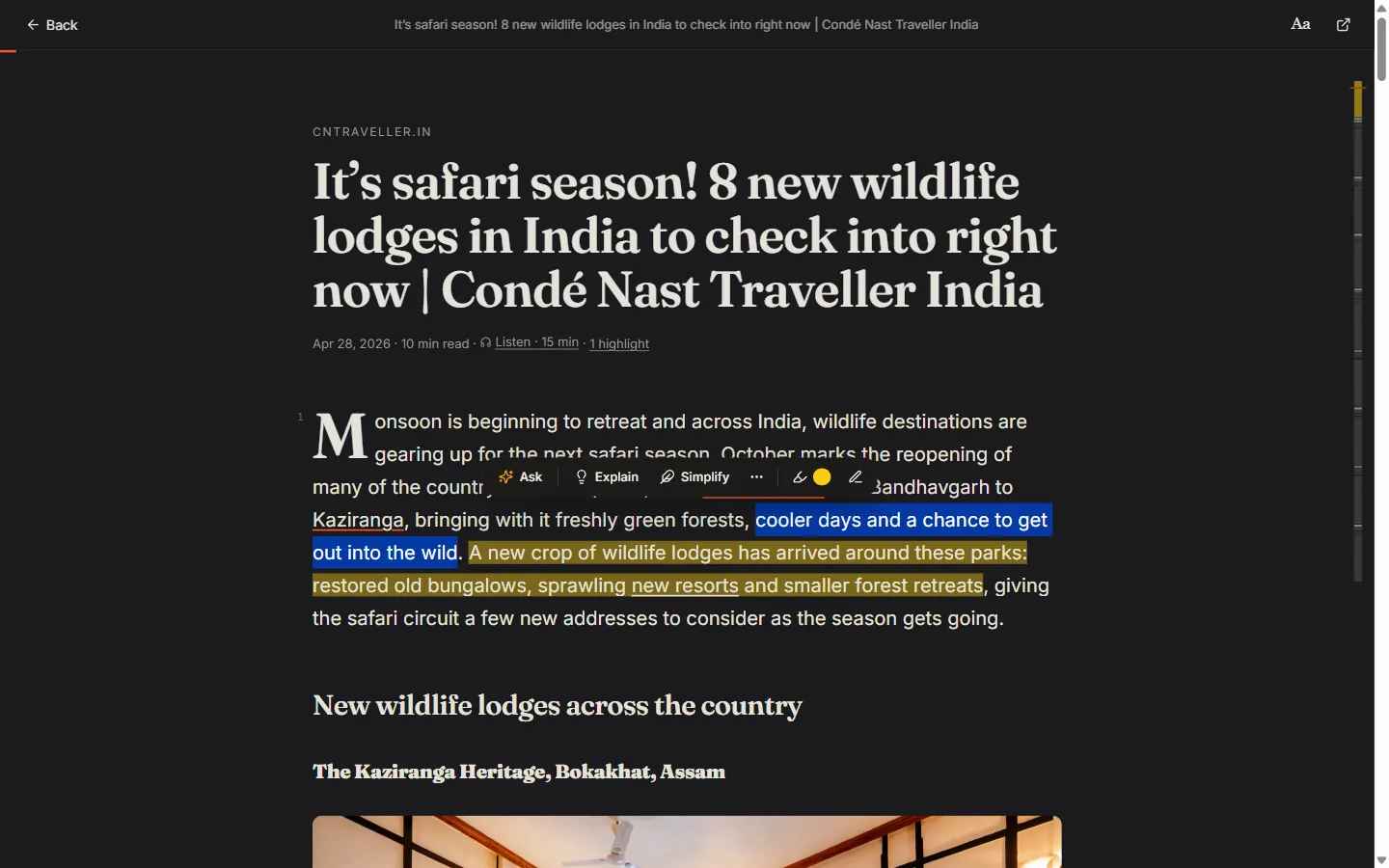
Gloss, the reader. Articles and PDFs, clean. Highlight, write in the margin, and ask about a passage.
Select text to Ask, Explain or Simplify it, or fact-check it against the web. Highlights collect in a notebook you can review later.
- Highlights and margin notes
- In colours, with a notebook of everything you marked.
- AI on a passage
- Answers about the exact lines you selected.
- Focus and listen
- Focus mode, a minimap of the page, and read aloud.
Smart Actions. Some saves are things to do. Each one gets one clear next step: install, try, apply, file.
Install commands are built from a fixed list of safe templates, never written freely by AI, and nothing runs unless you run it.
- One action per save
- On cards, in the feed, on your phone and in Up next.
- Done or later
- Tick it off or set a reminder. Marker learns from what you accept.
Notes that link. Write beside your saves. Type [[ to link a note, and see what links back.
Notes tag and summarise themselves like any save, keep a version history, and take images. Import Markdown you already have.
- [[links]] and backlinks
- Every note lists the notes that point to it.
- Type / for blocks
- Headings, lists, images and more from the keyboard.
Notes / Travel
Lisbon trip
Four days in late March. Base in Príncipe Real, day trip to Sintra on the Tuesday.
Food list is in [[Restaurants to try]]. Packing follows [[Carry-on only]].
- Book the Sintra train the day before
- Tram 28 early, before the queue
[[Pas
Linked from
Spring 2027 plans…then [[Lisbon trip]] in March…
Restaurants to try…for [[Lisbon trip]], the fish place…
Versions
Today 09:12
Yesterday 21:40
28 Oct
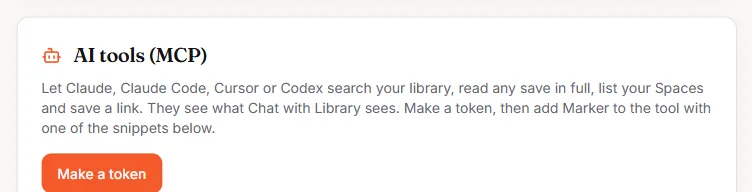
Your library, in your AI tools. Marker is an MCP server. Claude, Cursor or Codex can search and read your saves.
Make a token for each tool in Settings and revoke it any time. Tokens are stored only as hashes.
- What tools can do
- Search your library, read one save in full, list your Spaces and their saves, see recent saves, and save a link.
claude mcp add --transport http marker <server-address> \
  --header "Authorization: Bearer <your-token>"
Plain files, yours to keep. Every save is also kept as a Markdown file: title, link, tags, summary and the page.
It's what your AI tools read, and it's yours to take. On Pro, download the whole library as a zip of Markdown files, as JSON, or as a bookmarks file any browser can import.
- One file per save
- Plain text with a small header of details, readable anywhere.
- Leave any time
- Export on Pro (or ask us for a copy on any plan), then delete your account from Settings.
---
title: A beginner's sourdough starter
url: https://example.com/sourdough
saved: 2026-10-12
category: Recipes
tags: [baking, bread, fermentation]
spaces: [Kitchen]
---

## Summary
Flour, water and a week of feeding. Covers
ratios, warm spots and how to tell it's ready.

## Page
Day one: mix 50 g of wholemeal flour with…