Everything you save, in one library that files itself. Chrome bookmarks, X, Instagram, LinkedIn and Facebook saves and Google Maps lists, kept in full and found again by what is in them.
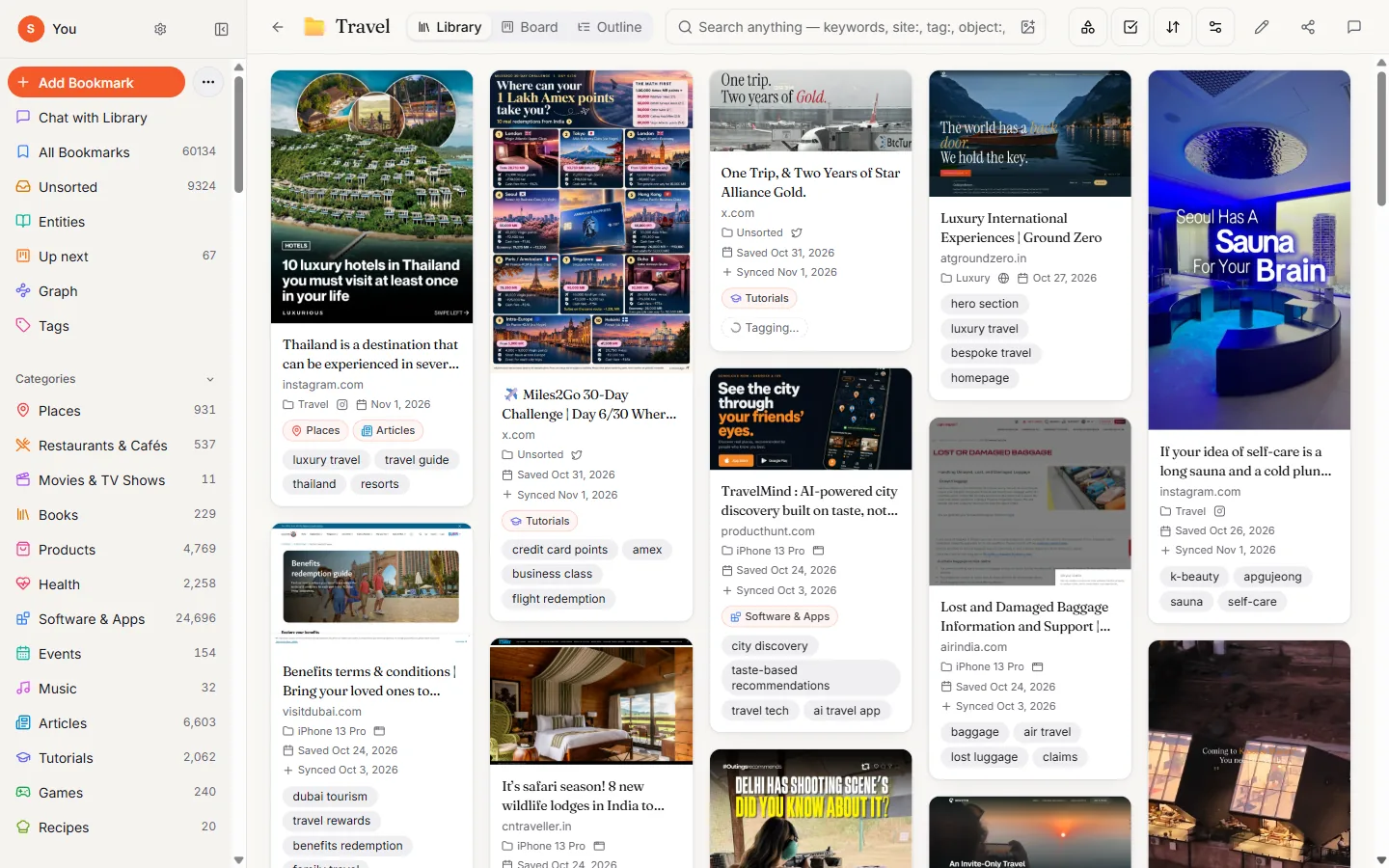
Where your saves come from
- Chrome bookmarks & open tabs
- X bookmarks
- Instagram saves
- LinkedIn saved posts
- Facebook saves
- Threads
- Google Maps lists
- Phone share sheet
- Clipboard
Save the way you already do. The Chrome extension brings in your bookmarks and picks up what you save on X, Instagram, LinkedIn and Facebook. Google Maps lists arrive with their pins, and saved GitHub repos show their star counts. On the phone, share to Marker.
Marker keeps a full copy: images, video covers, threads and the page text. When a post is deleted or an account goes private, your save is still there.
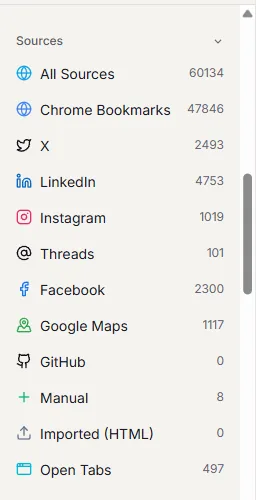
Read once, described for you. Every save gets a short summary, tags and a category such as Places, Recipes or Software & Apps. Marker reads the page, looks at the images and the text inside them.
You never have to tag anything. You can still fix a tag or a category in one click.

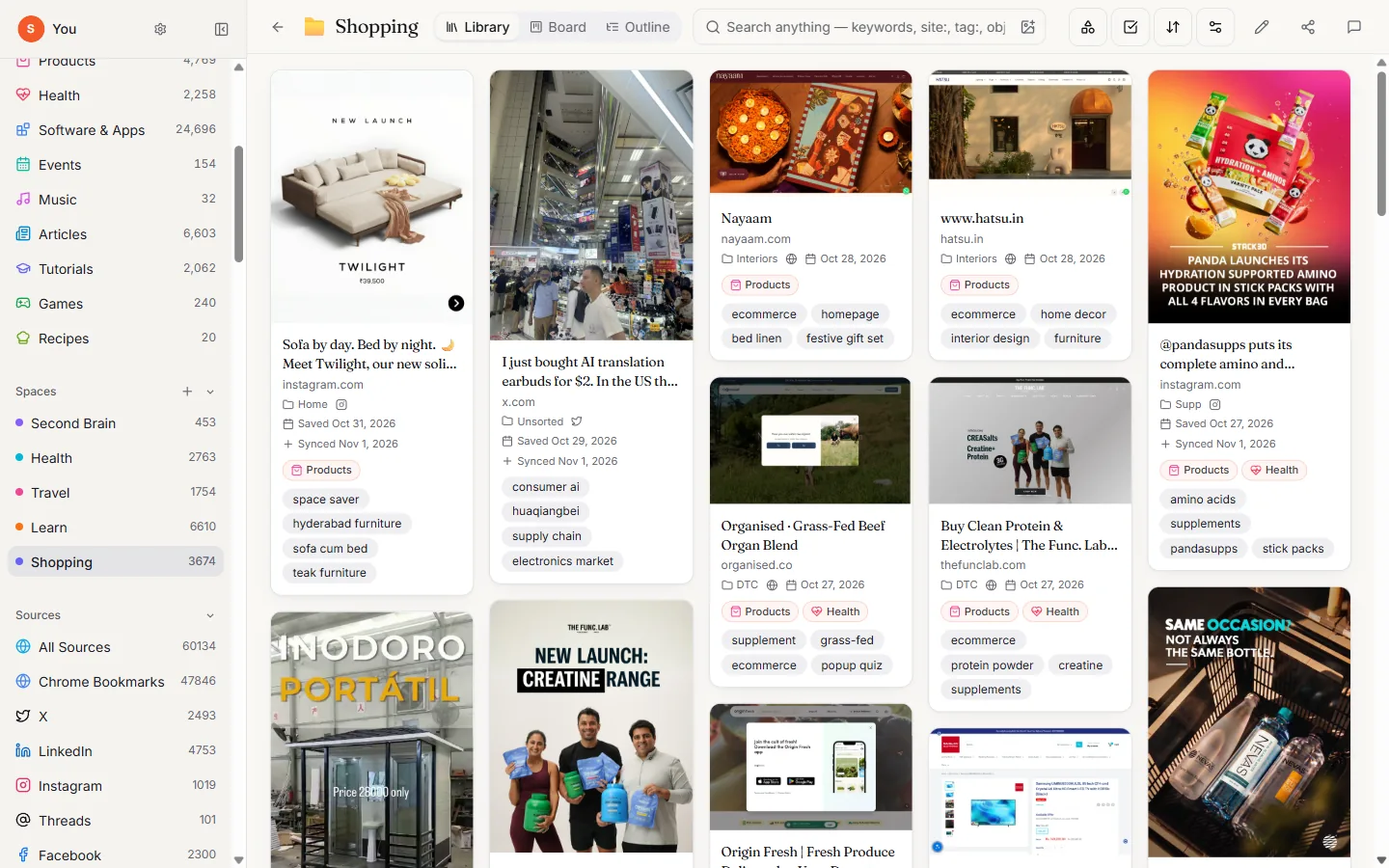
Spaces that fill themselves. Make a Space for each part of your life, like Travel, Health or Shopping, and say in a line what belongs there. New saves are filed for you when Marker is sure, and only the unsure ones ask.
Each Space has a library view, a board for what you are doing with it, and an outline you can share.
Find it by what is in it.
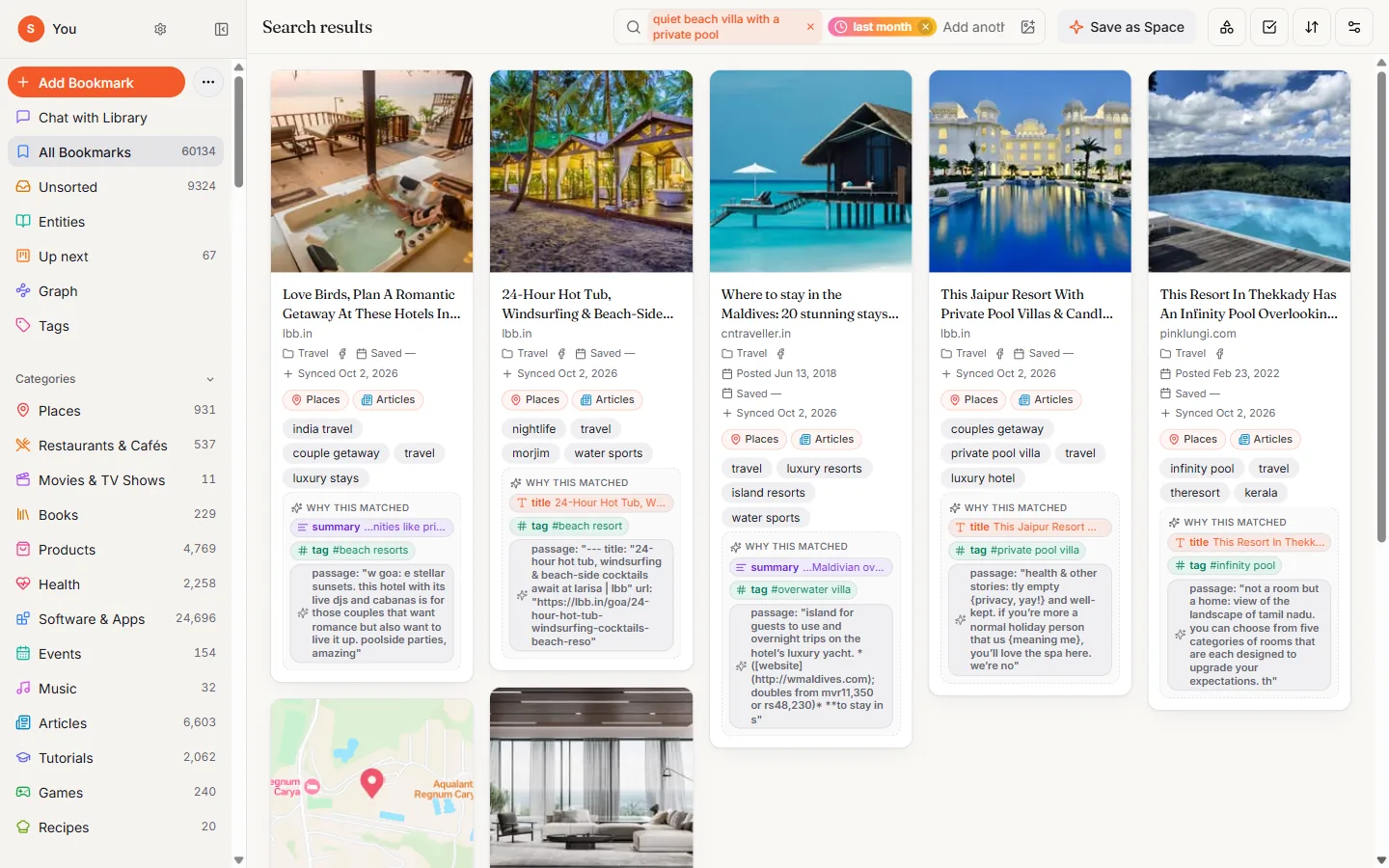
Search the way you remember it: quiet beach villa with a private pool
. Add last month or February 2021
and Marker goes back to when you saved it.
Each result shows why it matched: the title, a tag, the summary or a passage from the page.
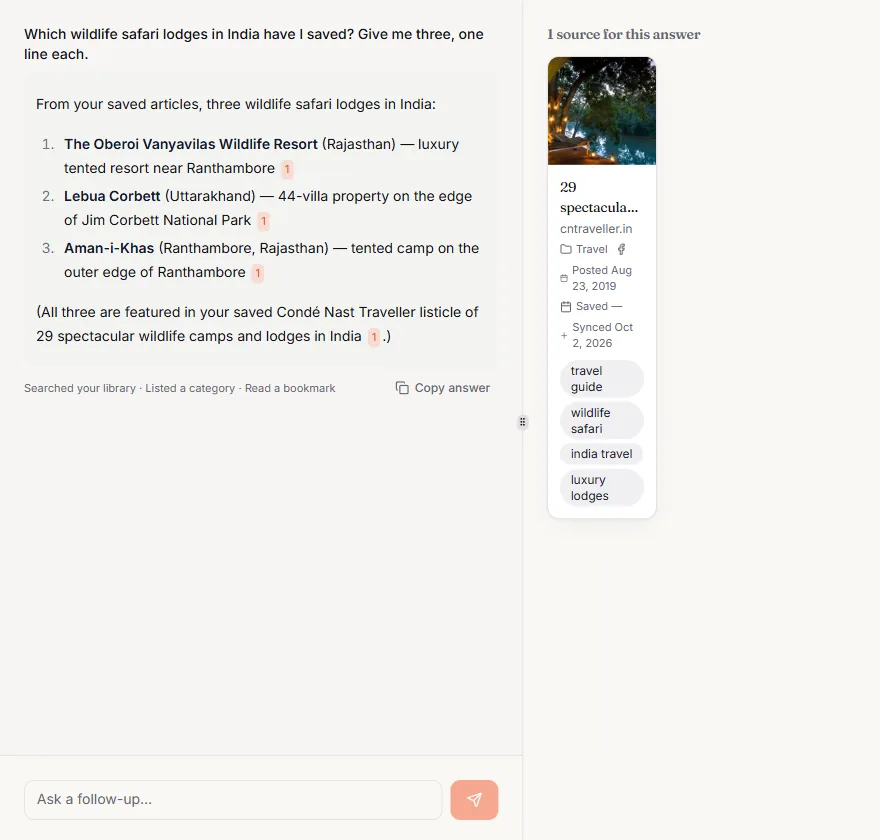
Ask your library. Chat with Library answers from your own saves, and shows which ones. Ask for the three safari lodges you saved, the papers you bookmarked this year, or paste a list of restaurants to add.
Every answer links back to the saves it came from.
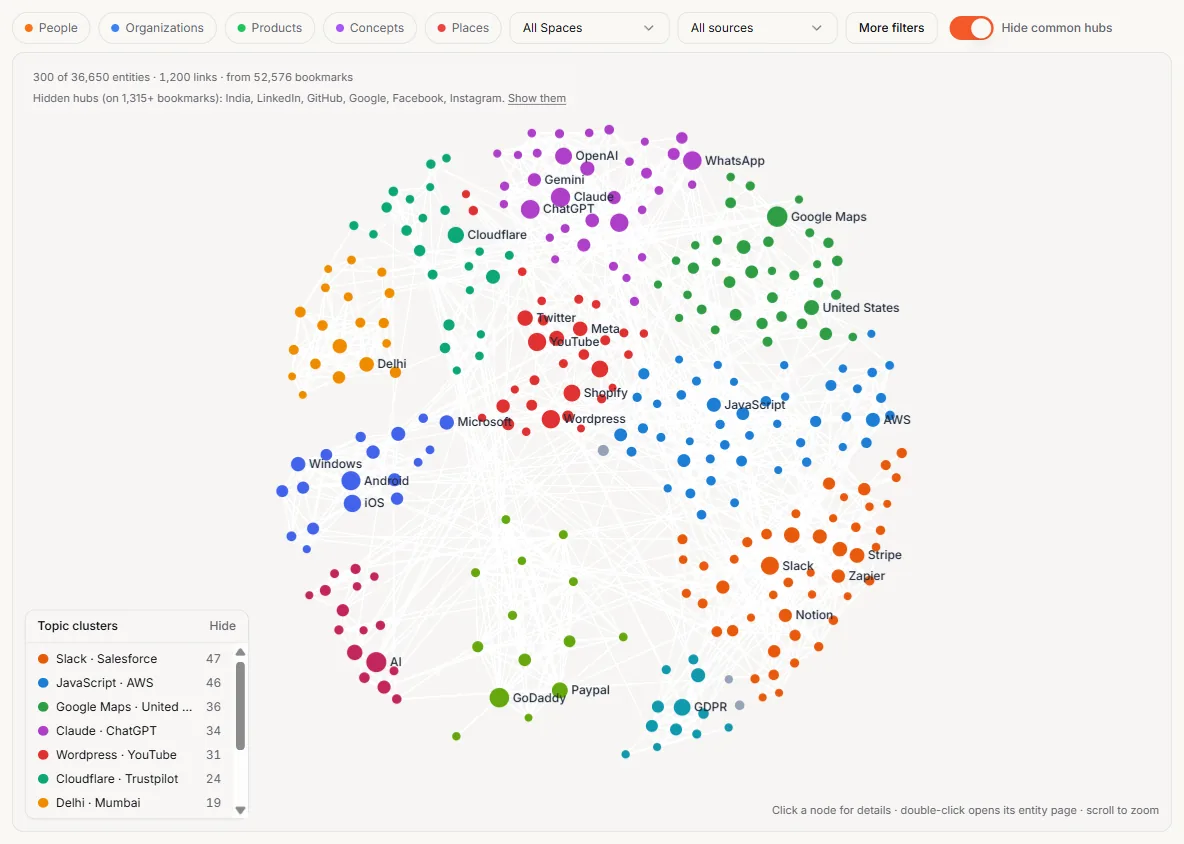
See what connects. Marker picks out the people, companies, products, places and ideas in your saves and draws how they link. Open any of them to see every save that mentions it.
Clusters show the topics you keep coming back to.
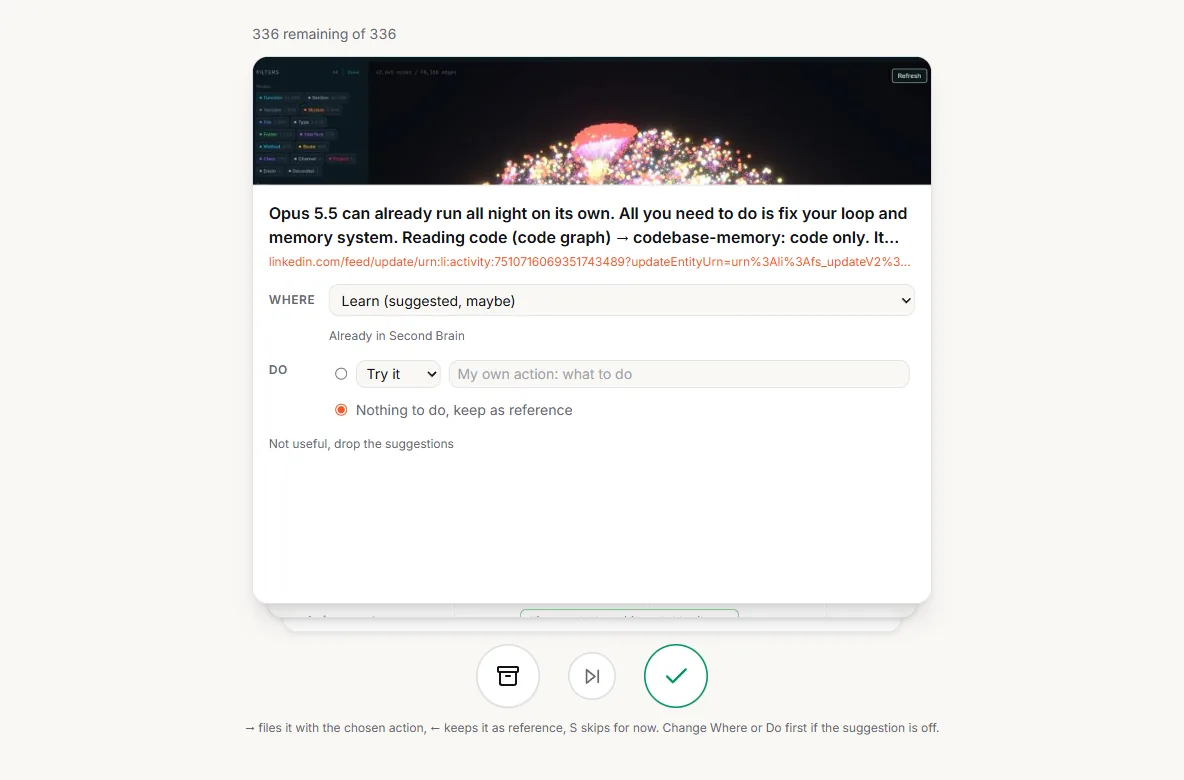
A few minutes a day, then done. Up next brings back what you saved to try, read or buy, one card at a time. Keep it, file it, or say what to do with it.
Forgotten gems and On this day bring older saves back when they are worth a second look.
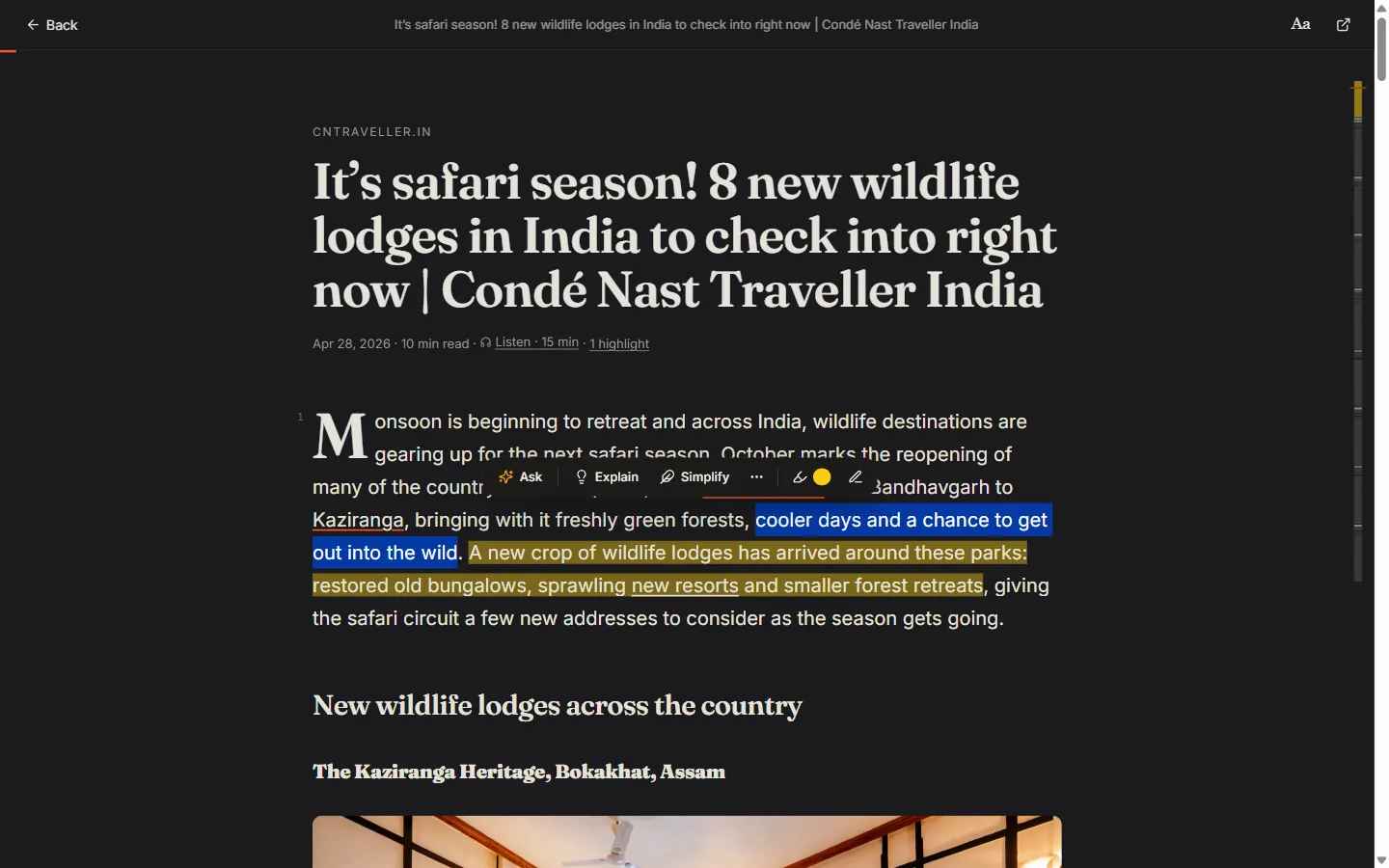
A quiet place to read. Open any article in the Gloss reader. Highlight a line, add a note, or ask it to explain or simplify a passage. Marker remembers where you stopped.
Highlights come back later for review, so the good parts stick.
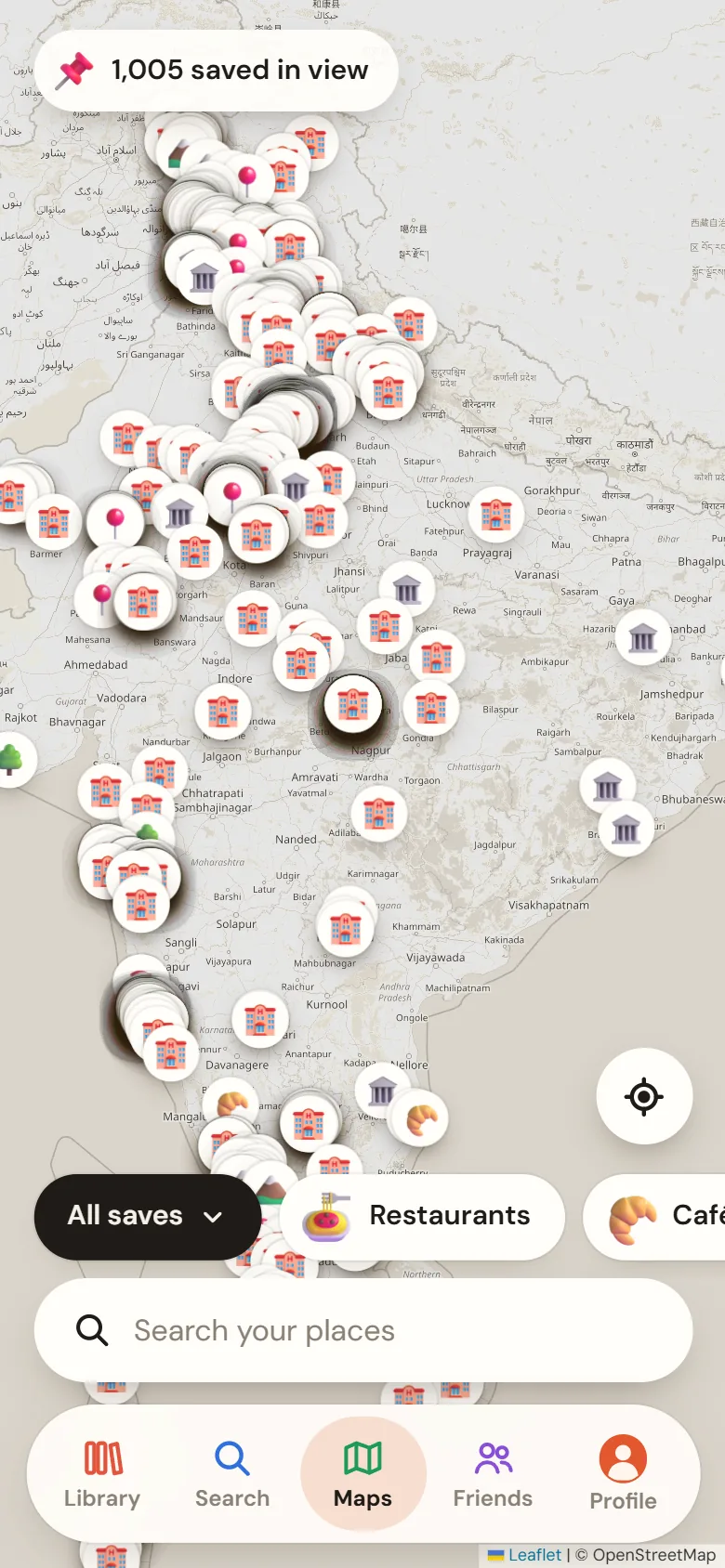
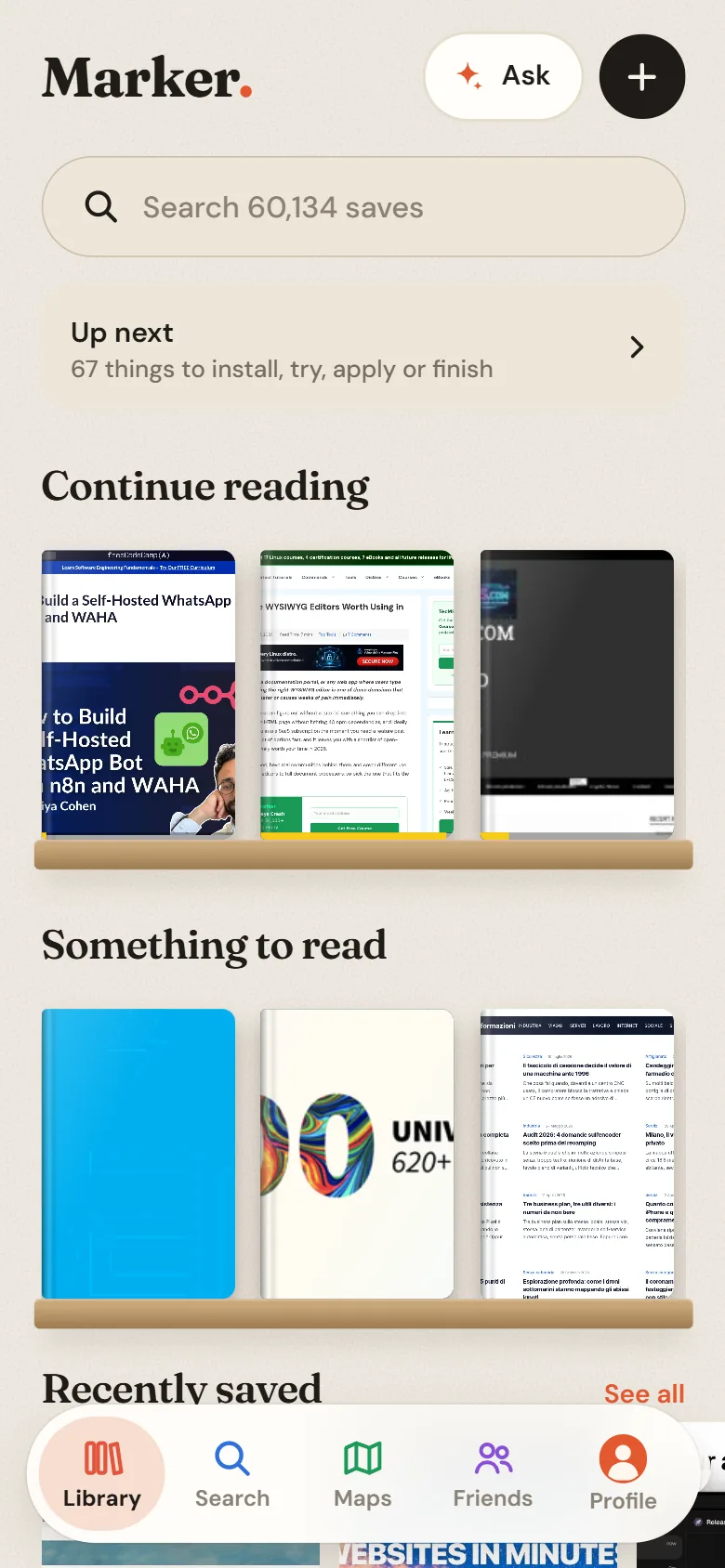
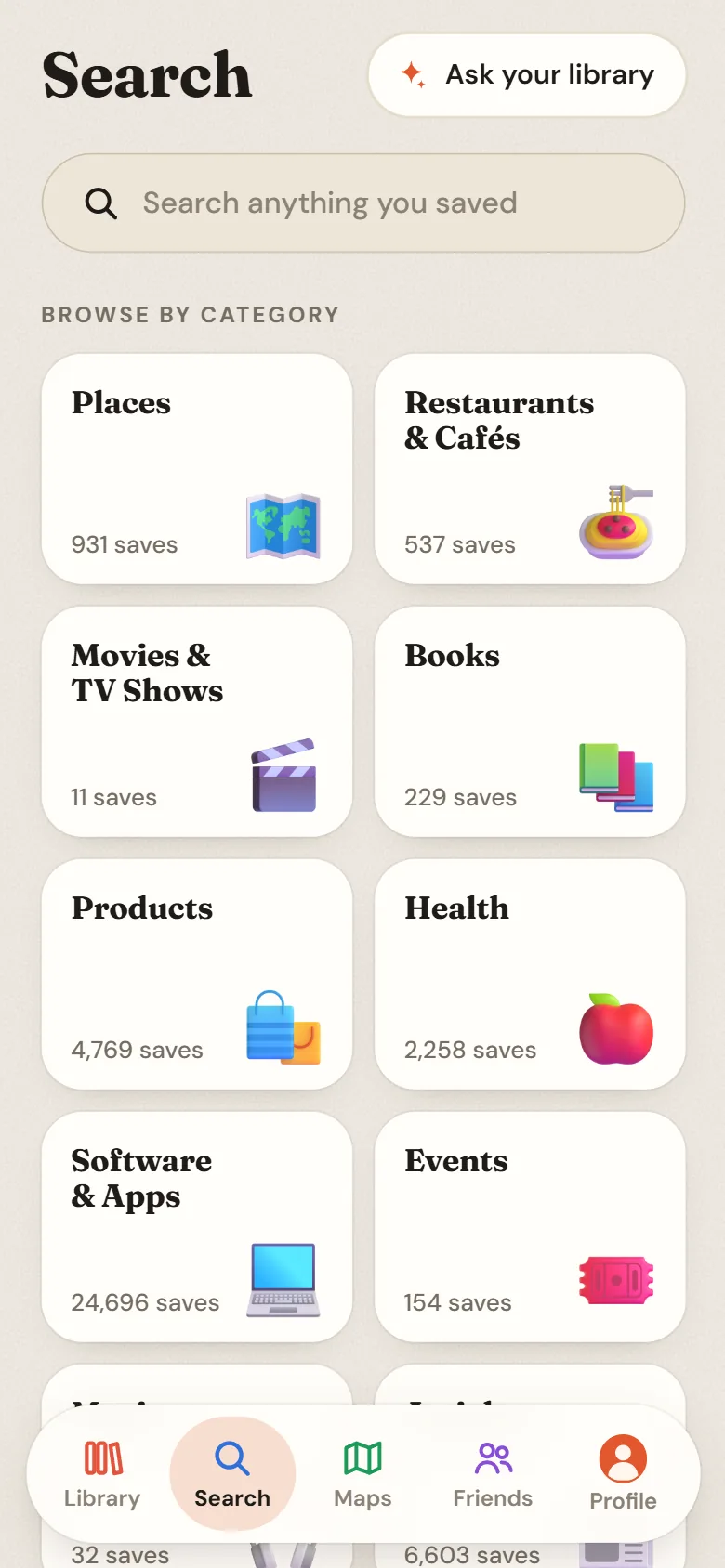
On your phone, too. Install Marker from the browser and share to it from any app. Pick up reading, search by category, or see your places on a map.
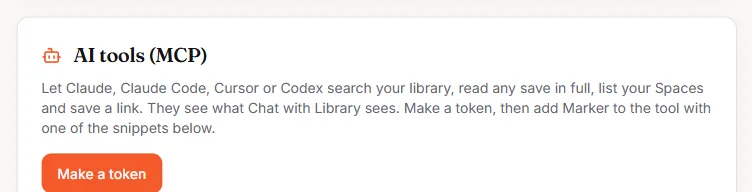
Your saves, inside your AI tools. Connect Claude, Claude Code, Cursor or Codex to Marker. They can search your library, read any save in full, list your Spaces and save a link.
They see what Chat with Library sees, through a token you make and can revoke.
Tools your AI gets
search_libraryby meaning and keywordsget_bookmarkone save in full, as Markdownlist_spacesyour Spaces and their countslist_spacethe saves in one Spacerecent_savesnewest first, by sourcesave_linkadd a link to your library
How it works. Three steps, and the middle one is ours.
-
Keep saving
Add the Chrome extension and connect the places you save. Old saves come in; new ones are caught as you make them.
-
Marker does the filing
Each save is copied, summarised, tagged and put in the right Space. Only the unsure ones wait for you.
-
Find, read, ask
Search by what is in it, read with highlights, ask your library, or let your AI tools use it.
Pricing. Start free. Pro is $20 a month, or $149 a year.
Free
$0
For trying Marker with your own saves.
- Up to 500 saves, with AI on all of them
- Chrome extension and phone app
- Search and Spaces
- Reader with highlights
Pro
$20 / month
or $149 a year (save 38%)
For people who save everything, everywhere.
- Every source, synced as you save
- Auto-filing, Chat with Library and the graph
- AI tools (MCP) access
Questions.
What happens when a post I saved is deleted?
Marker keeps its own copy of what you saved: the text, images, video covers and threads. The original can go; your save stays.
Do I have to tag or file anything?
No. Marker writes the summary, tags and category, and files a save into a Space when it is confident. If it is unsure, the save waits in Up next for a quick yes or no.
Which places can it bring saves in from?
Chrome bookmarks and open tabs, X, Instagram, LinkedIn, Facebook and Threads saves, Google Maps lists, the phone share sheet and your clipboard. You can also import a bookmarks file from any browser.
Is there a phone app?
Yes. Marker installs from your phone's browser and appears in the share sheet, so you can save from any app.
Can I use my library from Claude or Cursor?
Yes. Make a token in Settings and add Marker as an MCP server. Your AI tool can then search your saves, read one in full, list your Spaces and save a link.
Can I get my data out?
Yes. On Pro you can export everything from Settings as Markdown, JSON or a browser bookmarks file. On any plan you can email us for a copy of your data, and delete your account from Settings.